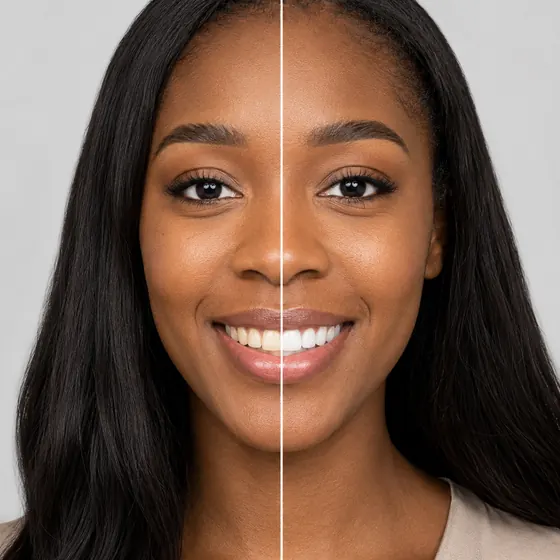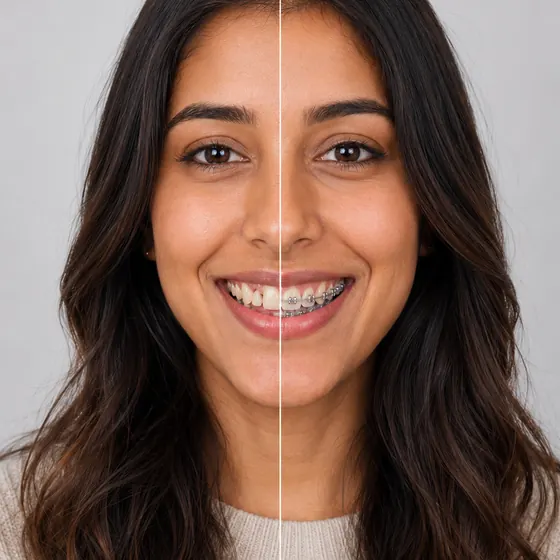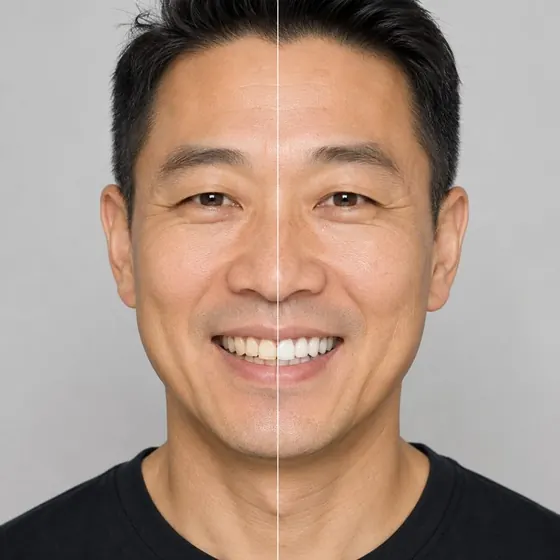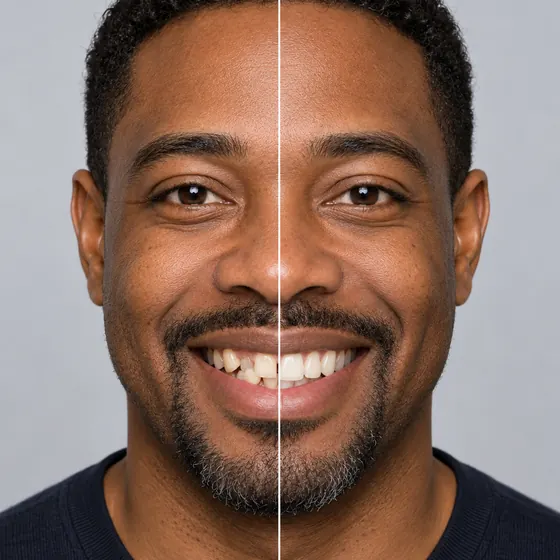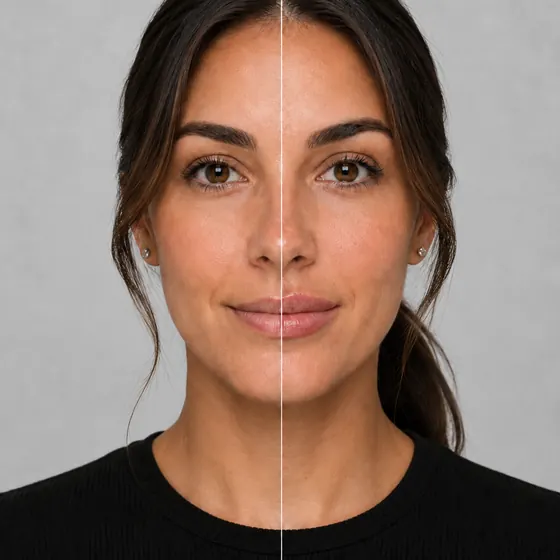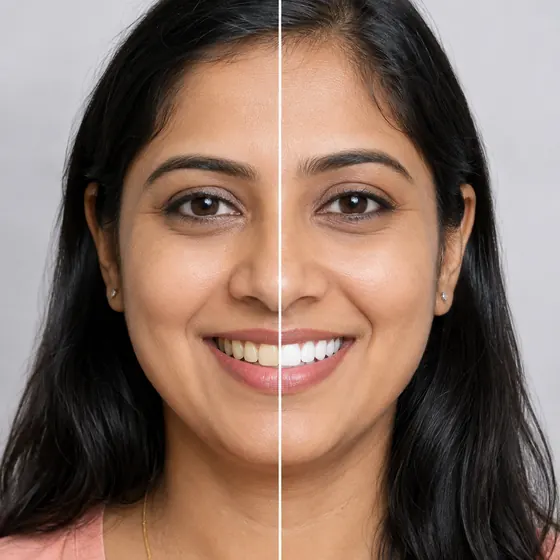
Dental implant simulatorShow patients a complete smile before implant treatment.
- From one photo
- Gaps filled in
- Ready in about a minute
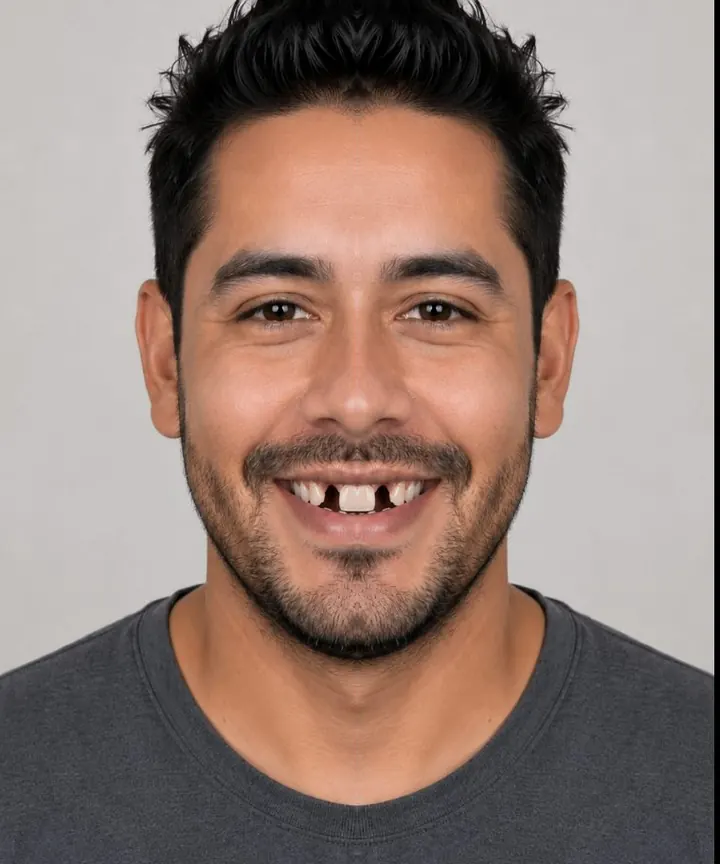


What is a dental implant simulator?
A dental implant simulator, or missing teeth simulator, shows a patient with gaps what a complete smile would look like, on their own photo. Your Social Smile fills the gaps from one photo in about a minute; which restoration gets them there is decided at the consult.
How the dental implant simulator worksFrom the camera to a booked consult
Take one photo
Front-facing, teeth showing slightly, taken with the camera in the browser. Nothing to install.See the gaps filled
The photo is processed and the patient sees their current smile beside one with the missing teeth restored.Book with the result
Your offer card shows your name for the treatment and your price. The request reaches your Bookings with the before and after.
For your practice
Every try-on works for the front desk
Your treatment, your price
Call it what your menu calls it. The offer card shows your name for the treatment, your price and any discount, ongoing or with an end date.A request with the result attached
Each booking request arrives in your queue with the patient’s before and after, so the front desk knows what the call is about.Reporting by treatment
See how many patients opened missing teeth, tried it on and asked to book, next to every other treatment you offer.
Questions
About the missing teeth simulator.
Does it show implants, a bridge or dentures?
It shows the finished smile, with the gaps filled. Which restoration gets the patient there is a decision for the consult.
Which patients is it for?
Patients with gaps who have been putting treatment off. Seeing their own smile complete gives them a reason to book the consult, where you can talk through implants, a bridge or a denture with a result they already want in mind. Their teeth need to show slightly in the photo, and the camera prompts them until they do.
Does the patient need to take a photo?
Yes, one front-facing photo with teeth showing slightly, taken with the camera in the browser. The result is usually ready in about a minute.
What happens to the photo?
Patients consent before a photo is taken, it is stored privately, and it is deleted within 30 days at most. The security page has the full detail for your legal team.
Can we call the treatment something else?
Yes. The offer card uses your name for the treatment, up to 80 characters, with your price and any discount you are running.
Where can patients use it?
On your website, on a waiting-room tablet, or from a link you text them. Every try-on reports into the same dashboard.
Other treatments