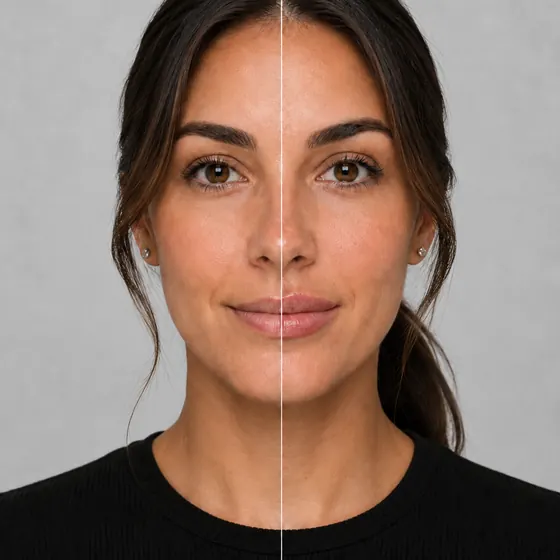
Smile simulation softwareConvenient, quick and accurate smile simulations.

Smile simulation software for every smile treatment. Patients try on a brighter, straighter or fuller smile on your website, on a waiting-room tablet or on their own phone.

Every smile simulationPick the treatments you offer
Switch each one on or off, put them in the order patients see them, and give each your own name and price on the offer card.
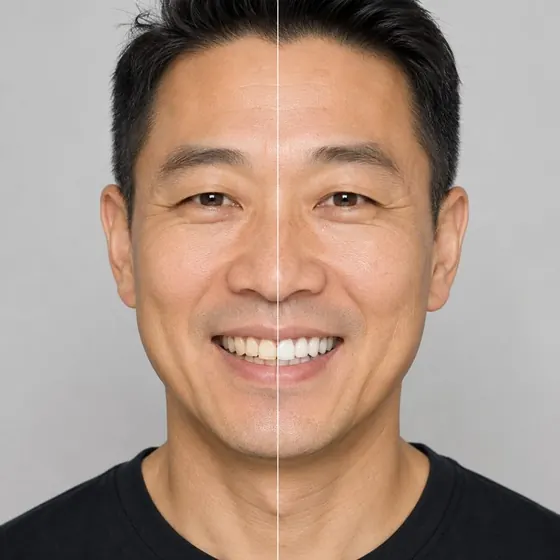
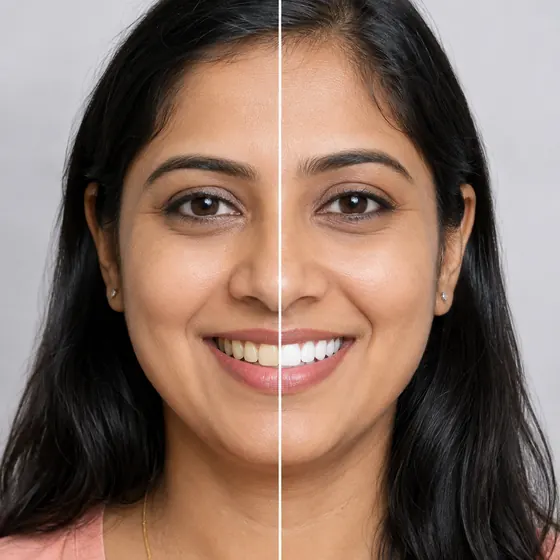
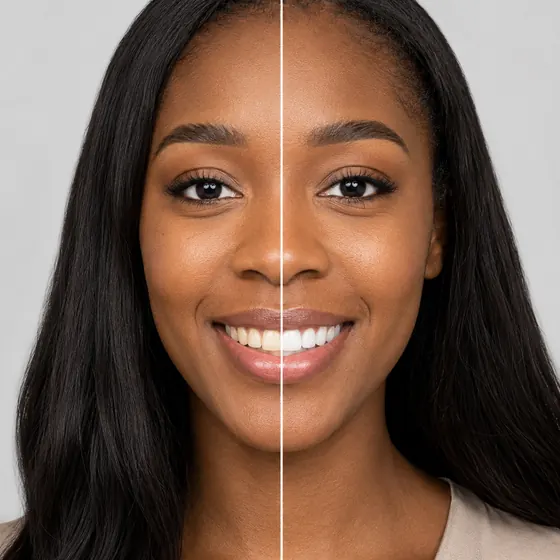
  • Illustrative whitening simulation: the same face before (left) and after (right)
    Live camera

    Whitening

    Pick White, Whiter or Whitest and see the shade on the patient’s own teeth.

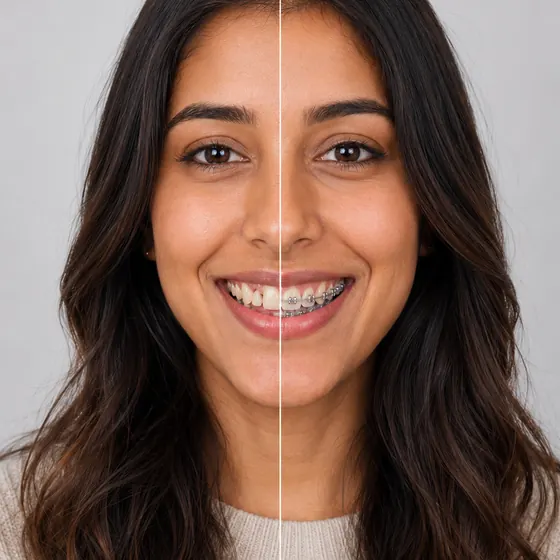
  • Illustrative braces simulation: the same face before (left) and after (right)
    Live camera

    Braces

    Metallic, ceramic or clear aligners, with 29 colors for metallic braces.

  • Illustrative veneers simulation: the same face before (left) and after (right)
    One photo

    Veneers

    A new set of veneers on the patient’s own smile, from one photo.

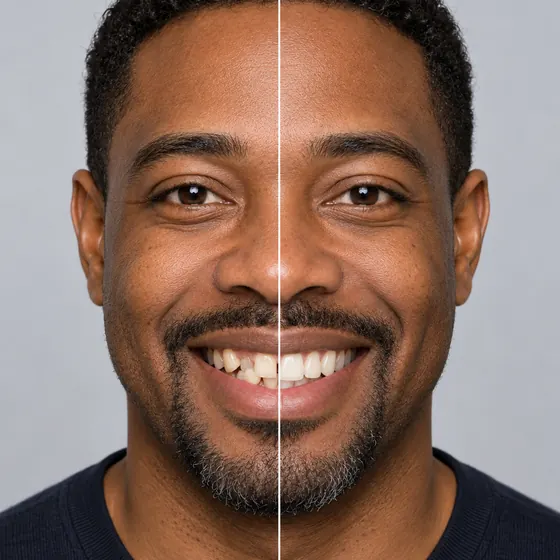
  • Illustrative straightening simulation: the same face before (left) and after (right)
    One photo

    Straightening

    Straighter teeth from one photo, with no impressions and no scan.

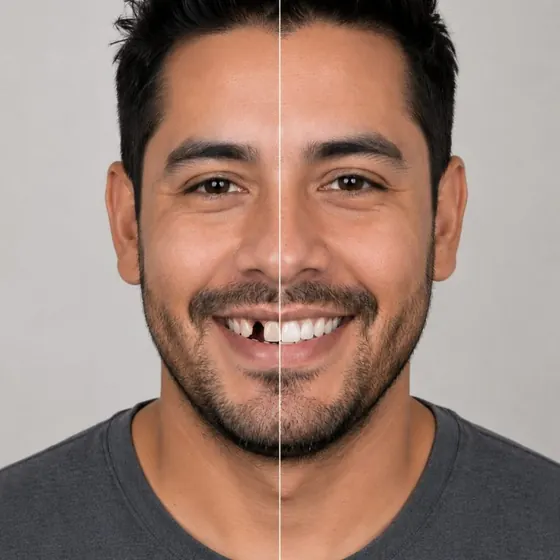
  • Illustrative missing teeth simulation: the same face before (left) and after (right)
    One photo

    Missing teeth

    The gaps filled in, to open the implant or bridge conversation.

  • Illustrative lip fillers simulation: the same face before (left) and after (right)
    Live camera

    Lip fillers

    One slider from subtle to full, drawn live on the patient’s lips.

  • Illustrative lip reshaping simulation: the same face before (left) and after (right)
    Live camera

    Lip reshaping

    Size, thickness and shape sliders for finer control over contour.

  • Try them all free.

    Three test simulations on your own patient photos. Switch on the treatments you offer and leave the rest off.

    Start for free

With every treatment

Everything around the simulation

The try-on is what patients see. Around it is what turns it into a booked case.
  • Your treatment, your price

    Call each treatment what your menu calls it. The offer card shows your name, your price and any discount, ongoing or with an end date.
  • A request with the result attached

    Every booking request arrives in your queue with the patient’s before and after, so the front desk knows what the call is about.
  • Reporting by treatment

    See which treatments patients open, try on and ask to book, side by side in one dashboard.

Questions

About the simulator.

Which treatments can we offer?

Every one we simulate: whitening, braces, veneers, straightening, missing teeth, lip fillers and lip reshaping. Switch each one on or off and set the order patients see them in.

Which ones run live on the camera?

Whitening, braces, lip fillers and lip reshaping are drawn live on the camera. Veneers, straightening and missing teeth are made from one photo and are usually ready in about a minute.

Do patients need an app?

No. It runs in the browser on a phone, tablet or desktop, from a button on your own website.

Is the simulation a treatment plan?

No. It is a clinically plausible preview to start the conversation: whitening stays on the shade guide, only teeth and lips change, and each preview shows one treatment. What is achievable for each patient is decided at the consult.

Can we try it before we pay?

Yes. Three test simulations are free, on your own patient photos.

See it on your site.

Three test simulations, free, on your own patient photos.