

Onboarding
Live on your website in three steps.
- No implementation call
- No onboarding fee
- No developer needed
The three setup steps
Step 01
Fill one short form
Your practice details, your website address, and where leads should land. Your account is set up automatically from that form, so there is nothing to wait for on our side.
What you need to hand
- Practice name and locations
- Website address
- Where leads should go
- Treatments you offer
Rivermill Dental is set upAutomatically, from your formStep 02
Run three test simulations
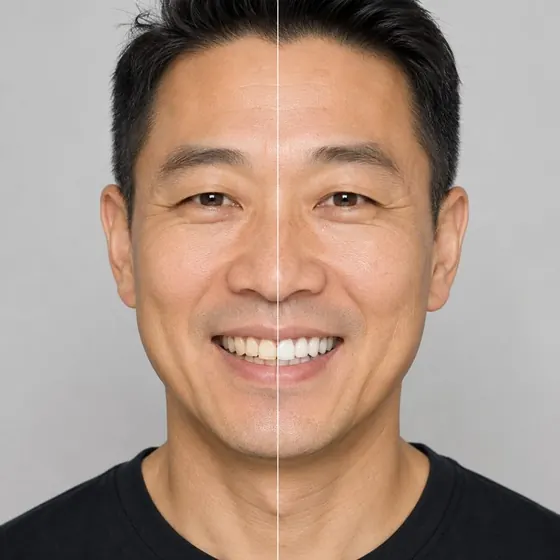
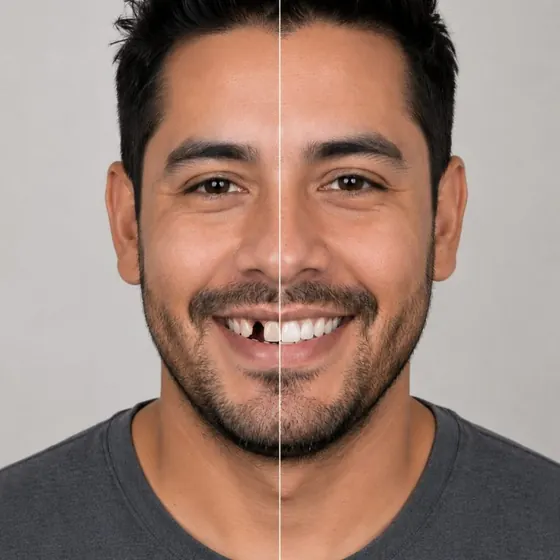
Free, on your own patient photos, before any card is entered. You judge the output against your own clinical standard, on cases you choose.
Try a whitening case, a veneer case and one you expect us to get wrong.
3 free test simulationsBefore any card is enteredStep 03
Subscribe and go live
$400 per location per month, billed monthly. Paste one snippet onto the pages where you want it, and the simulation is live on your site.
Example install snippet <script src="https://app.yoursocialsmile.com/widget.js" data-clinic="your-clinic-slug" async></script>Adding another practice is the same three steps from your dashboard, on the same contract.
Your simulator is liverivermilldental.com




Runs on the stack you already have.
Your website
Paste one snippet on any page.
Email & SMS
Put your campaign link in any send.
Social & ads
Post the link, or run it as an ad.
Print
Put the QR code on anything you print.
In the clinic
Open it on the tablets you already have.