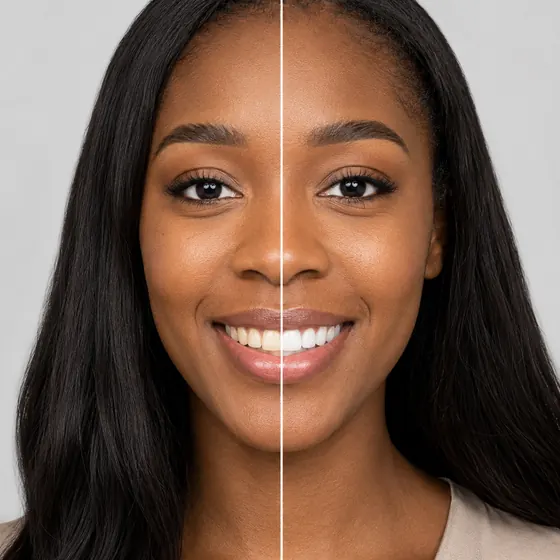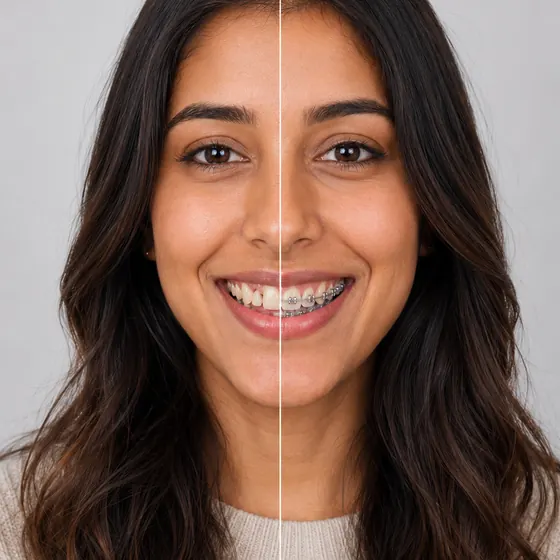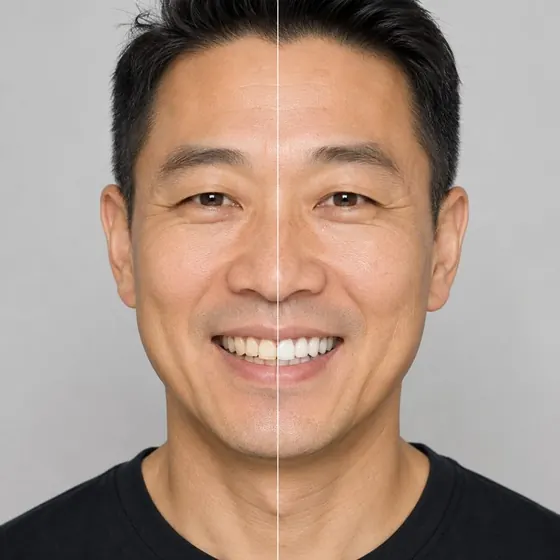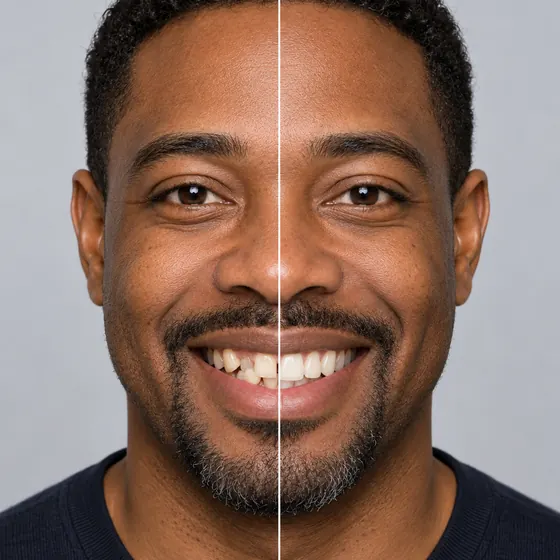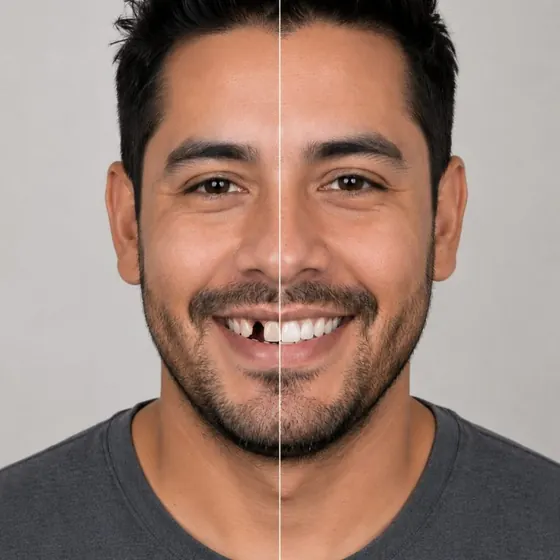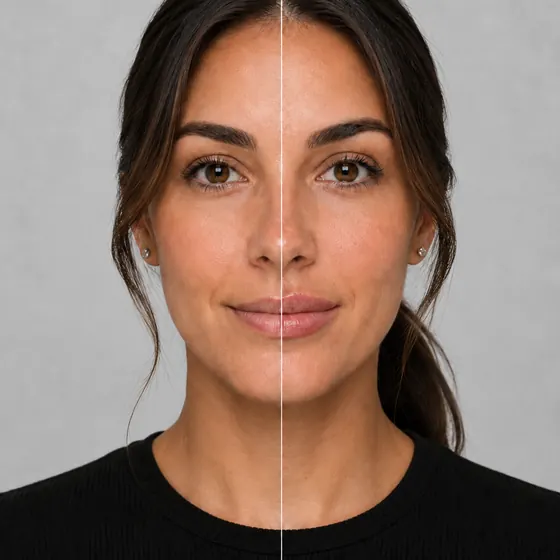
Lip reshaping simulatorLip reshaping, previewed in size, thickness and shape.
- Live on the camera
- Size, thickness and shape
- Phone, tablet or desktop


What is a lip reshaping simulator?
A lip reshaping simulator, or lip shape simulator, lets a patient preview changes to lip size, thickness and shape on their own face. Your Social Smile draws each one live on the camera on your practice’s website, with three sliders for finer control over contour than a filler preview.
How the lip reshaping simulator worksFrom the camera to a booked consult
Open the camera
From a button on your aesthetics page. It runs in the browser on a phone, tablet or desktop, with nothing to install.Shape the result
Size, thickness and shape sliders, each drawn live on the patient’s own lips.Book with the result
Your offer card shows your name for the treatment and your price. The request reaches your Bookings with the before and after.
For your practice
Every try-on works for the front desk
Your treatment, your price
Call it what your menu calls it. The offer card shows your name for the treatment, your price and any discount, ongoing or with an end date.A request with the result attached
Each booking request arrives in your queue with the patient’s before and after, so the front desk knows what the call is about.Reporting by treatment
See how many patients opened lip reshaping, tried it on and asked to book, next to every other treatment you offer.
Questions
About the lip reshaping simulator.
How is this different from lip fillers?
Lip fillers has one size slider. Lip reshaping adds thickness and shape, for patients who care about contour as much as volume.
Can we offer both lip treatments?
Yes. Lip fillers and lip reshaping are separate treatments in your settings. Switch on either or both, set the order patients see them in, and give each its own name, price and any discount on the offer card. Patients after volume pick fillers; patients after a different contour pick reshaping.
Does the patient need to upload a photo?
No. It runs live on the camera, so patients see the change on their own lips as they move.
Can we call the treatment something else?
Yes. The offer card uses your name for the treatment, up to 80 characters, with your price and any discount you are running.
Is the preview a promise?
No. It helps the patient show you the look they want. The approach is decided at the consult.
Where can patients use it?
On your website, on a waiting-room tablet, or from a link you text them. Every try-on reports into the same dashboard.
Other treatments