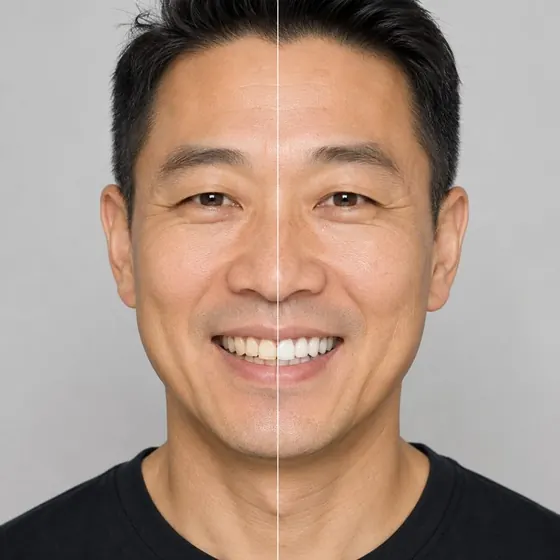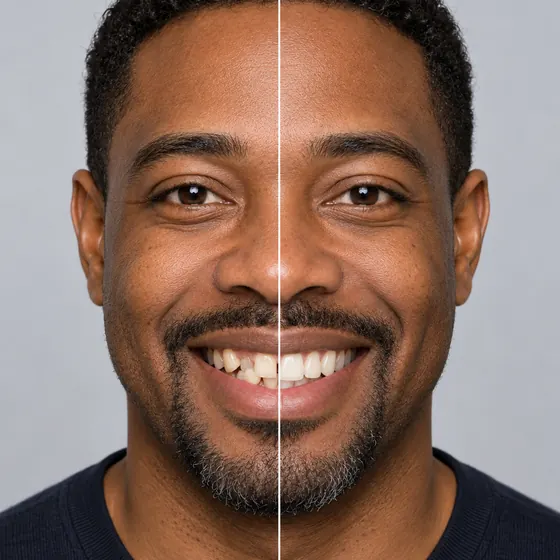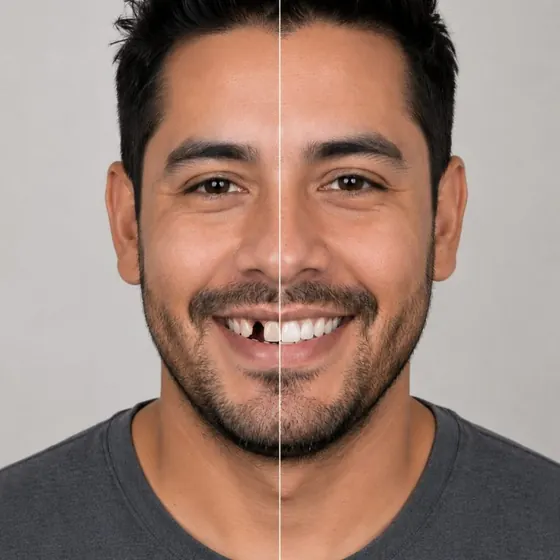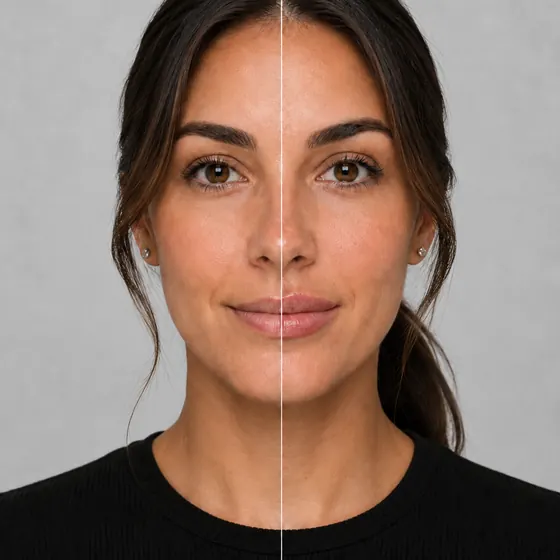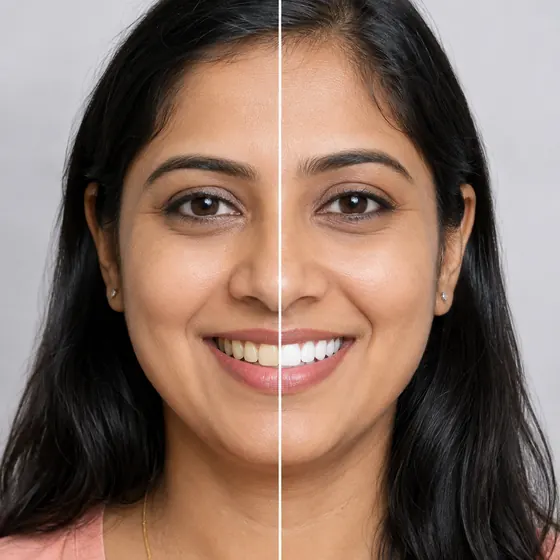
Braces simulatorVirtual braces, tried on before the patient commits.
- Live on the camera
- Metallic, ceramic or clear
- 29 colors for metallic


Choose a style
What is a braces simulator?
A braces simulator, or virtual braces try-on, lets a patient see metallic braces, ceramic braces or clear aligners on their own smile before they commit. Your Social Smile draws them live on the camera on your practice’s website, with 29 colors for metallic braces.
How the braces simulator worksFrom the camera to a booked consult
Open the camera
From a button on your orthodontics page. It runs in the browser on a phone, tablet or desktop, with nothing to install.Pick a style
Metallic braces, ceramic braces or clear aligners, drawn live on the patient’s own teeth. Metallic comes in 29 colors.Book with the result
Your offer card shows your name for the treatment and your price. The request reaches your Bookings with the before and after.
For your practice
Every try-on works for the front desk
Your treatment, your price
Call it what your menu calls it. The offer card shows your name for the treatment, your price and any discount, ongoing or with an end date.A request with the result attached
Each booking request arrives in your queue with the patient’s before and after, so the front desk knows what the call is about.Reporting by treatment
See how many patients opened braces, tried them on and asked to book, next to every other treatment you offer.
Questions
About the braces simulator.
Which styles can patients try?
Metallic braces, ceramic braces and clear aligners. Metallic braces also come in 29 colors, from Grey and Silver to Gold Rush and Fire Red.
Does the patient need to upload a photo?
No. Braces run live on the camera, so patients see them on their own teeth as they move.
Can we call the treatment something else?
Yes. The offer card uses your name for the treatment, up to 80 characters, with your price and any discount you are running.
Is the preview a promise?
No. It shows what the appliance looks like on the patient’s smile. The treatment plan, and how long it takes, is worked out at the consult.
Where can patients use it?
On your website, on a waiting-room tablet, or from a link you text them. Every try-on reports into the same dashboard.
Other treatments